
Element Inspector – HTML Web

- Updated
- Version 3.4.1687283134283
- Requirements Android 4.4 - 4.4.4+
- Genre Apps / Tools
With Element Inspector Android App HTML Web, you create your own live webpage HTML looking at the source code of any webpage directly from your Android smartphone.
To view and edit HTML in real-time.
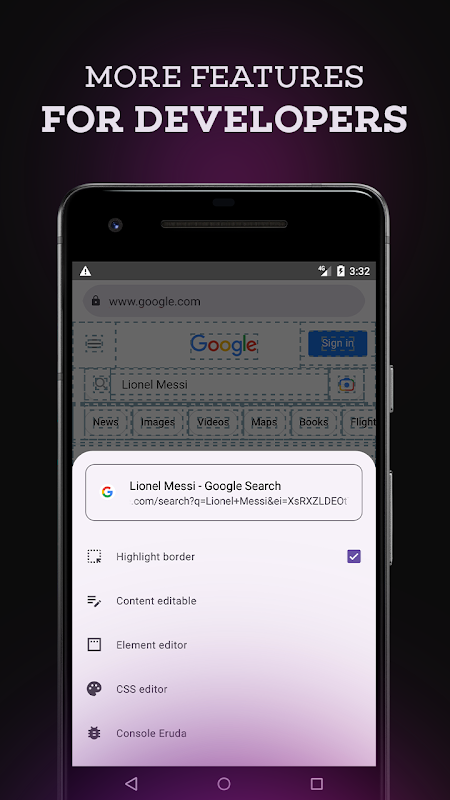
Element Inspector ties in a basic web browser with a view source code Android built-in tool that displays the structure behind any page. Visit any site, press inspect and the application will show all HTML elements under inspection. It’s possible to modify text, change tags, and replace images as the changes appear on screen instantly.
All changes are local only. The site you are on will not be changed, just your site. With this, you can see how pages are set up, create mockup screen grabs or just change the headlines and product prices to fool your friends. You can try things without worrying about breaking everything because nothing is saved or synced.
You can work on multiple pages at a time in this multi-tab interface by switching tabs. Element Inspector for web developers who are new to HTML & CSS and are looking to get started. With this tool, you’ll explore real-world HTML without needing to set up a code editor or a hosting environment just open a page and start poking around!
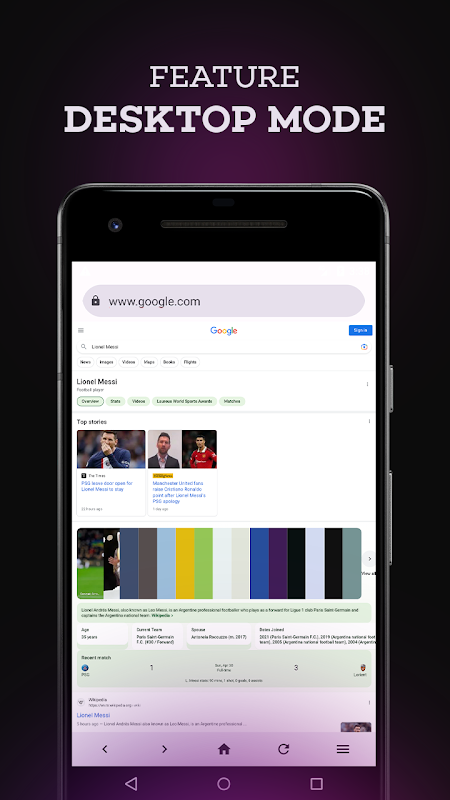
Switch Between Desktop and Mobile Screens
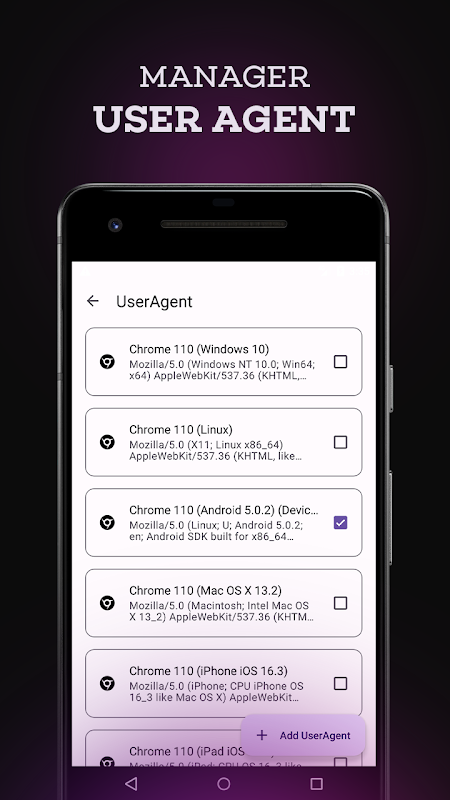
With a single tap, you can toggle any webpage between mobile layout and full desktop (PC) version. This view-switching can help you compare how a site optimises its design for different screen sizes during the same app session.
The toggle can be useful for checking responsive behaviour or if you simply prefer the desktop view of a site on your phone instead of hunting down the Request Desktop Site (often buried inside browser menus). This functionality in conjunction with the browser with HTML editor allows you to check in both modes which CSS rules are active or which breakpoints for a certain device.
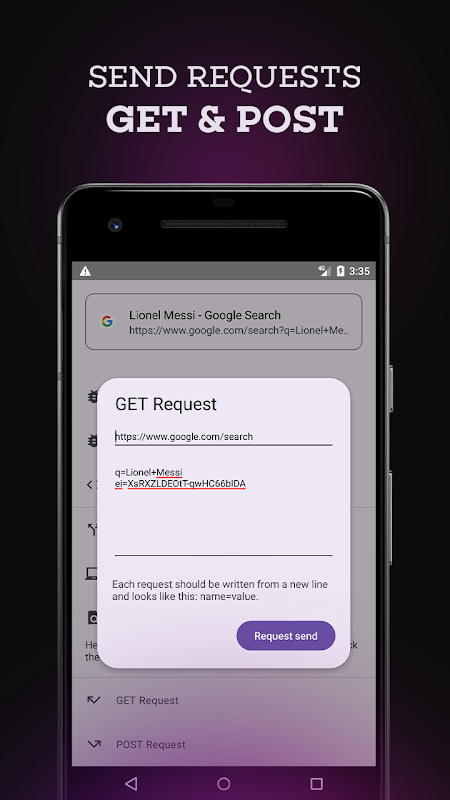
Submit GET and POST Requests.
The Element Inspector, aside from just inspecting passive elements, contains a request tool to send the HTTP GET and POST commands. You can see the raw server response by entering a URL, specifying parameters or form data and firing the request.
With this feature, the app becomes a lightweight Android web debugging utility useful for testing or debugging forms and APIs. With the Developer Tools, endpoints can be verified, authentication flows examined and payloads debugged quickly without switching apps. Although it does not feature all the capabilities a developer console would normally have, it does the job for quick checks on the go.
Five Quick Win Tips
- Use in-app editing panels to see content changes before sending them to a real CMS.
- Check out competitor landing pages to reverse-engineer the layout patterns and elements hierarchy.
- With it you can see what the page will look like when the code is applied.
- Make believable social media screenshots or mock news headlines for innocent pranks.
- While away from your laptop you can test your form submissions and API calls with the request sender built into the app.
Final thoughts
The Element Inspector – HTML Web is a tiny modify webpage content studio that is beginner-friendly and handy for quick edit functions on the go. While not meant to replace Chrome DevTools or a full IDE, this tool can be a surprisingly useful mobile workflow for ad-hoc HTML inspection, mock-ups of layouts, or casual request testing. The ad-supported method keeps it free, although interruptions can slow you down during longer sessions. If you wish to learn HTML on mobile by modifying real pages or you need a quick way to tweak and inspect webpage structure from your phone, Element Inspector balances simplicity and hands-on experimentation quite well.


No comments yet :(