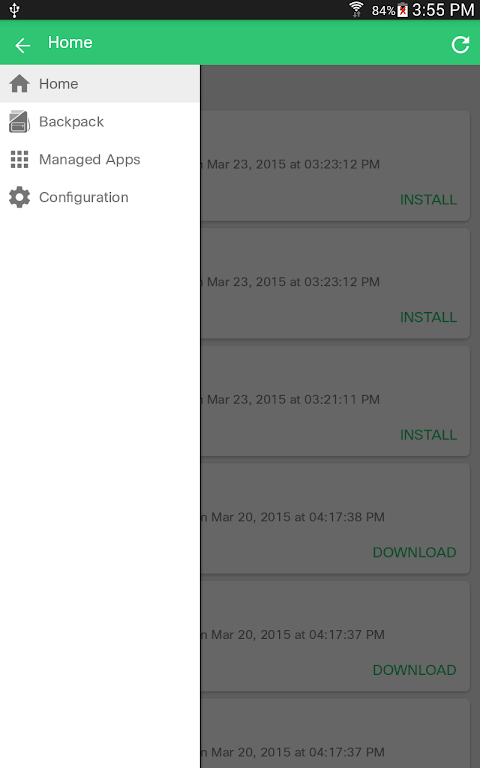
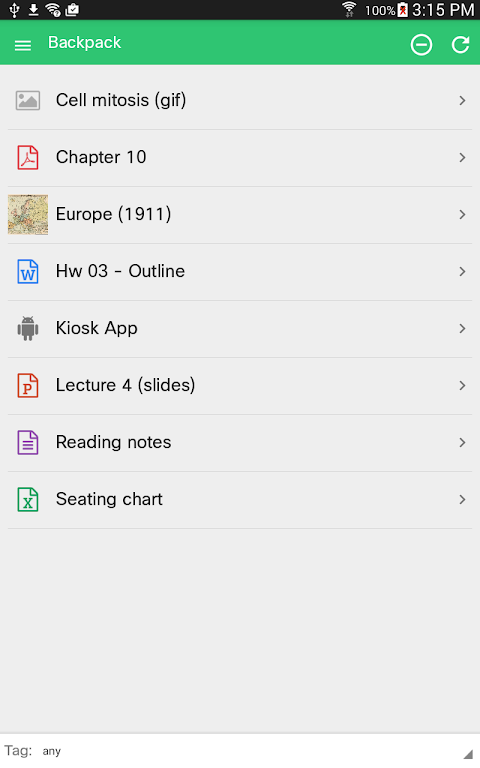
The Meraki Systems Manager for Android is Cisco’s cloud MDM client that solves a critical problem: how do you remotely manage, secure and monitor hundreds or thousands of corporate Android phones and tablets without touching each device? So-called agents are installed onto every endpoint by IT teams, who then use a single dashboard to manage the complete fleet by pushing out policies, enforcing encryption, and tracking every installation in real-time.
Quickly Deploy and Enroll Devices
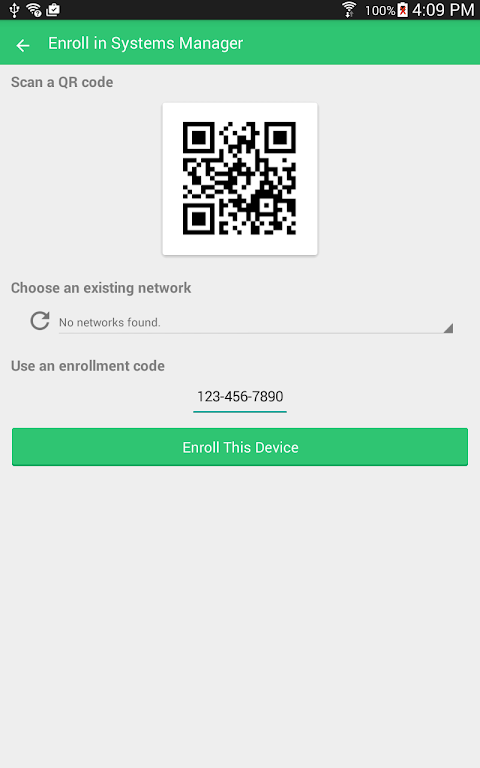
Corporate device enrollment takes minutes once the app gets installed. When the client is connected to your Meraki cloud dashboard, they start streaming detailed inventory data, including hardware identifiers, OS build, storage usage, and GPS location. Administrators can label tech equipment according to department, location, or security level to automatically restrict policies.
Android Enterprise modes offer the flexibility you need. Work Profile segregates personal and business information on BYOD devices, while Device Owner mode locks down corporate-owned hardware entirely. The app already supports bound domains and Google Play integration, so it can enroll straight out-of-the-box at initial device setup.
To do this, you need a backend license of the Cisco Meraki Systems Manager. Not a tool on its own.
The app targets IT professionals who understand the MDM workflows, and not casual users looking for a consumer app.
All On One Dashboard Security Lockdown.
Through the same Cloud Console security enforcement operates. Implement compulsory passcodes, enforce full-disk encryption, and restrict devices with settings like kiosk mode or camera disabling. The enterprise MDM solution can disable specific system apps. Perfect for locking down a field tablet to one workflow.
Geofencing alarms send an alert when a device crosses a boundary. When a phone is lost or stolen, a remote wipe deletes sensitive company information instantly. The dashboard logs all activities, providing a complete audit trail for compliance teams.
Most importantly, Meraki easily ties into your wireless network. Bring Systems Manager together with Meraki access points to enforce network access control with MDM, so that devices don’t get Wi‑Fi until enrolled and compliant. It is possible to grant dynamic VLANs, firewall rules, and bandwidth restrictions by device posture or user role.
Silent app pushes and app monitoring.
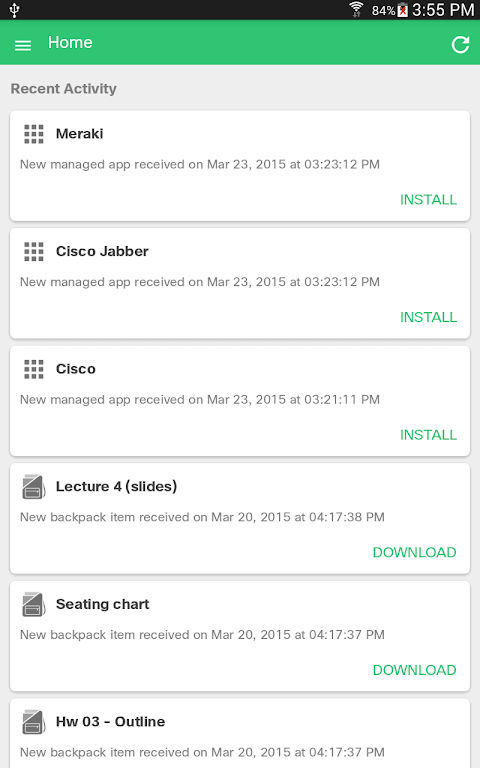
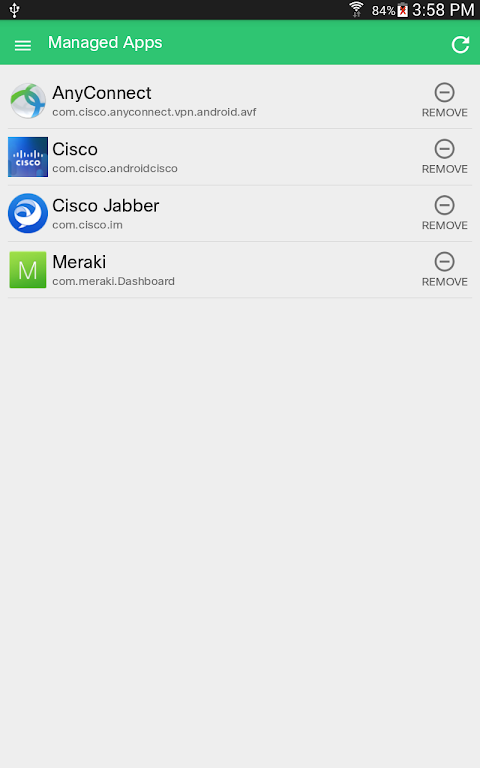
Mobile app deployment proceeds on its own. Search for apps in Google Play from the dashboard, approve apps for your organization then silently push them to devices as managed Google Play apps. Flag certain applications as compulsory; the system notifies you if anyone uninstalls them. This makes rolling out tools such as Duo Mobile and internal company apps easier.
Whitelisting and blacklisting of apps gives us granular control. Restrict access to personal gaming apps on employee profiles and only allow approved software on kiosks. The app keeps a record of the installed package present throughout your fleet so that you can stay on top of versions, spot shadow IT, and enforce license compliance.
With managed app configuration, settings for third-party apps can be pre-filled on behalf of users so that users won’t need to set them up manually after installation.
5 Expert Keys.
- Prior to enabling network access on Meraki wireless, Systems Manager must be required.
- Organize your devices by function and then apply dissimilar policies on field tablets as opposed to office phones.
- Always test Device Owner mode first since the requirements for factory reset and disabling system apps can break workflows if misconfigured.
- Set notifications for critical apps missing and then automatically push replacements.
- Work together with the networking team to associate device compliance with VLANs and firewall rules for zero trust segmentation.
Using Meraki Systems Manager, IT can instantly gain cloud control over Android devices, enroll them, enforce security parameters, push mandatory apps, and remotely wipe lost devices in seconds. Although the app is free to use, the backend licenses and setup complexity means it is for large enterprise teams on large fleets. Get the app now to protect corporate Android endpoints from a single dashboard.

No comments yet :(